22. System Level Events
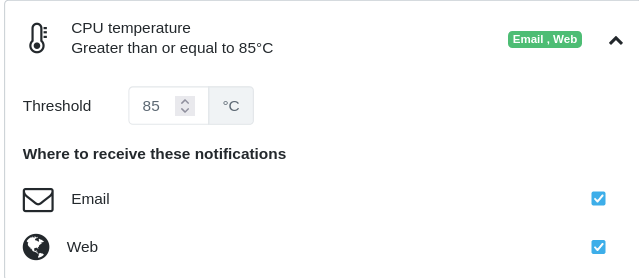
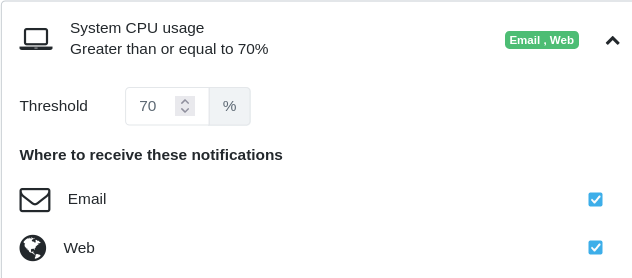
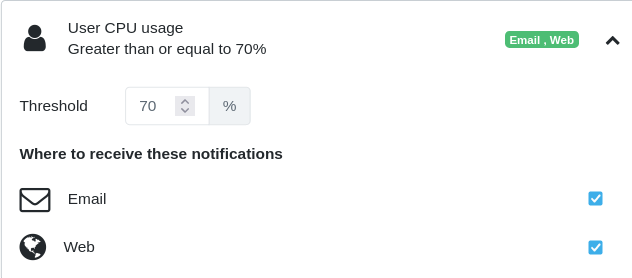
22.1 CPU Temperature, System CPU Usage, User CPU Usage
Actions:
- When the CPU temperature is high, or when the CPU usage is high, it is almost always indicative of an issue such as consecutively under attack on a WAN interface or a process is abnormally (unexpected defect) hogging the CPU.
- Check the monitor dashboard for real CPU usage over the last hour, day or week to find a pattern.
- Check packet statistics on each interface to see if any interface is seeing abnormally high packet traffic
- Check the process table to find the top processes hogging the CPU
- Check the 'top talkers' and 'top applications' to find if there is any specific LAN host or application causing abnormal traffic, if any.
- Check the environmental conditions if they are warmer than what the datasheet indicates.
- If the CPU usage is low, but the temperature is high, the cause could be environmental conditions or undetected hardware defect.
- ChiefNET only delivers fanless, low-power physical CPE to accommodate small/medium business environmental conditions. Still, the location must have adequate airflow or cooling capability.
Screen Captures:
- CPU Temperature:
- System CPU Usage:
- User CPU Usage:
22.2 Disk Usage
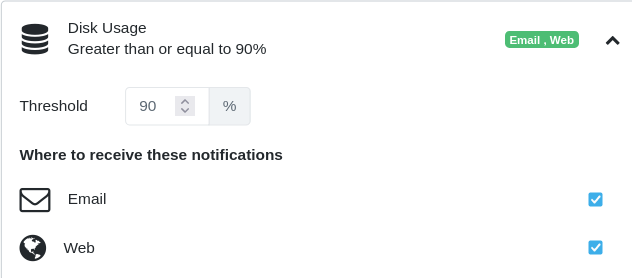
This alert is raised when the disk usage on the CPE device is more than 90% of the capacity.
Actions:
- Disk usage increases typically due to unmonitored log files. All logging is monitored and files are rotated periodically to avoid running out of disk space.
- When the disk usage alert is raised, it is almost always indicative of a defect that should be addressed immediately by the development team.
-
The backend support team can monitor the disk usage of all devices on the dashboard and watch for any device's usage exceeding 50%, well before the alerting condition is raised. This way, the issue could be addressed before it becomes a real problem.
-
Device Disk Usage: