21. Security Related Events
21.1 Device Configuration
Actions:
- This notification is raised when the device configuration has been changed by a user, which is typically a customer-administrator, or a customer-user. In rare cases, a device may be configured by support personnel at ChiefNET.
- The customer must ensure that this was done by one of their own authorized users, and not by someone else. The customer must keep their accounts with safe and secret passwords. If this is suspected to be unauthorized, immediately contact all of your peers and conduct a security audit to see if any of your other devices or systems are compromised.
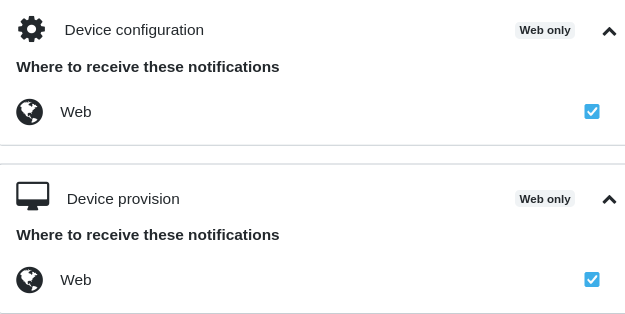
21.2 Device Provision
This notification is sent when a new device has been physically connected at a site and is ready for use.
Actions:
- No action as a result of this notification.
- This is an informational event.
- If you get this notification, but no device was authorized to be connected to your enterprise network, it should be considered a security breach. The tech support team will disable the device until the customer confirms that they indeed want the device back to its provisioned state.